Create
Note: APIs are experimental and subject to change.
Create is a creative coding library for Mojo, inspired by Processing. It combines the simplicity and immediacy of creative coding with a structured, modular API, so it works not only for quick sketches but also for small- to medium-sized projects such as 2D games, simulations and visualisations.
Example Programs
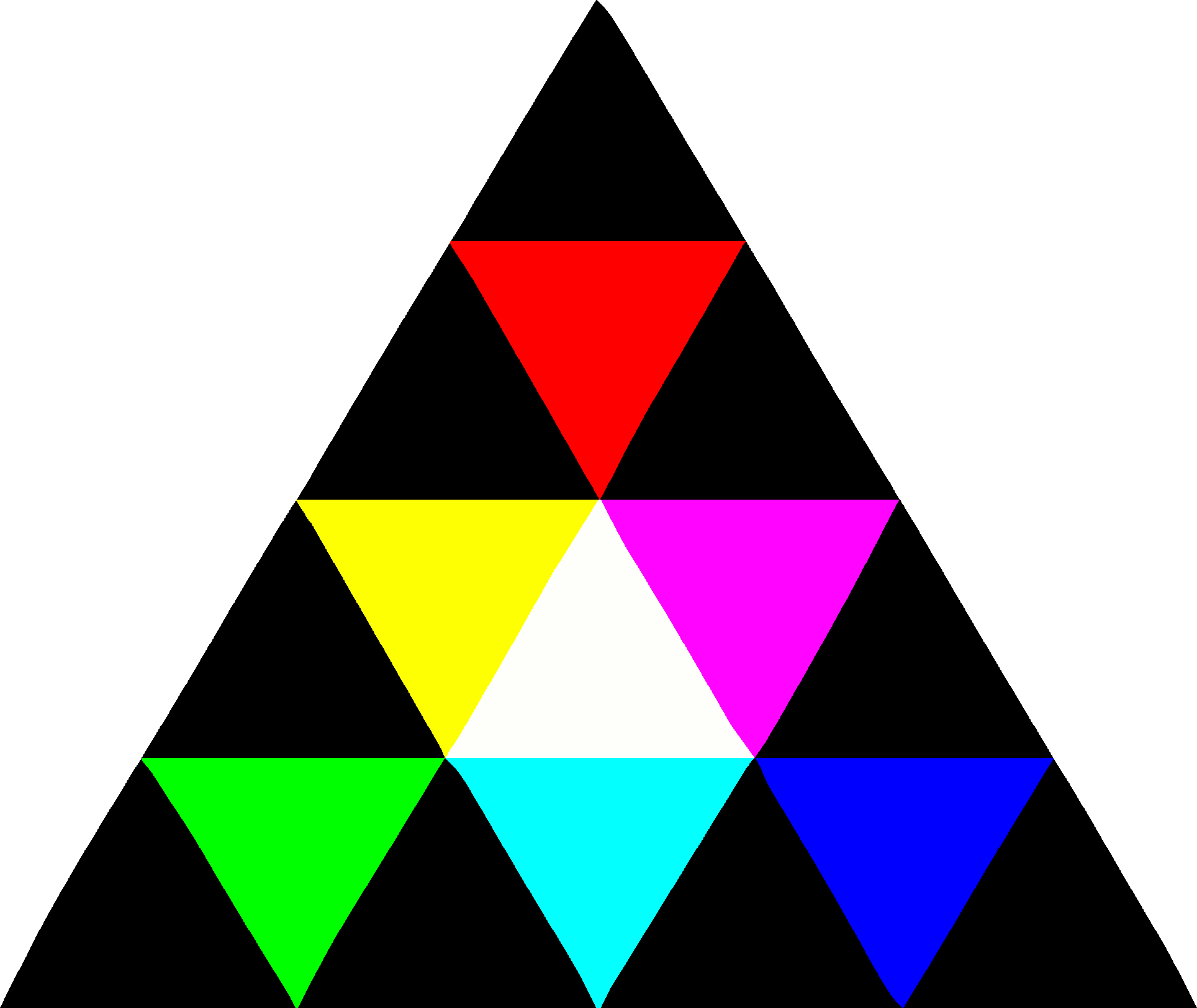
The GIF below shows an example program running. First it generates a Sierpiński triangle using the random midpoint method (also known as the chaos game). Then coloured triangles grow into place on top of it, forming the Create logo.

The logo drawn, animated and recorded to a GIF using the Create library itself. See examples/logo for the source code.
You can run the program yourself from the root of this repo using pixi run example logo (logo being the name of this specific example). The other programs under examples/ can be run the same way. Run pixi run example with no name to list them all.
Features
- Shapes and curves: rectangles, circles, ellipses, capsules, triangles, sectors and polygons (rounded corners optional), plus lines, arcs, Béziers and splines (polygons, spline)
- Styling: fills, strokes, gradients, drop and inset shadows, tint, opacity and blend modes (gradients, shadows, blending)
- Text: any font, with weights and italics; Noto Sans built in (poster)
- Images and animation: PNG, JPEG and BMP images, sprite animation, tweens and easing curves (image, animation, tween)
- Input: keyboard, mouse and gamepads, plus text entry (gamepad, typing)
- Collisions: overlap, containment and intersection tests between every shape (collisions)
- Camera and transforms: a world camera, a fixed overlay for the HUD, and clipping (camera, transforms, clipping)
- Audio: WAV, OGG, FLAC and MP3 playback (audio)
- Pixels and capture: read back what has been drawn, draw offscreen and record GIFs (pixels, offscreen, capture)
- Data: CSV/TSV tables and JSON (data)
- Randomness and noise: seeded random numbers and smooth noise (noise)
- CPU or GPU rendering: every program runs on a CPU rasteriser or through OpenGL 3.3, chosen at startup
How a Program Works
Below is a small "Hello, world!" program, which can be run from the repo root using pixi run example hello:
from create import *


@fieldwise_init
struct MyApp(Program):
    var greeting: String
    var position: Point2D

    @staticmethod
    def create(mut context: Context, mut canvas: Canvas) raises -> MyApp:
        # Called once: set initial application state and draw the first frame
        return MyApp("Hello, world!", (0, 0))

    def update(mut self, mut context: Context, mut canvas: Canvas) raises:
        # Called once per frame: handle input, modify state and draw to the screen
        canvas.font_size(48)
        canvas.text(self.greeting, self.position)


def main() raises:
    run[MyApp]("Hello")
A Create program is a struct implementing the Program trait, passed to run in main, which starts the run loop. create is called once when the run starts, to set the initial state and draw the first frame; update is called for every frame after that, to handle input, change the state and draw. For more details, read programs.md in the user guide.
Installation and Setup
If you don't already have it, install pixi:
curl -fsSL https://pixi.sh/install.sh | sh
Option 1: create-cli
The create-cli makes creating and running projects very easy. Running this command installs it to ~/.pixi/bin:
pixi global install create-cli --channel https://prefix.dev/create-framework/create
Make a project and run it:
create new my-project
cd my-project
create run
create new makes a pixi project with the mojo and create packages and a main.mojo to start from, and create run runs it from anywhere inside the project.
Option 2: pixi
If you don't want to use the create-cli, you can set up the pixi project by hand. Create it with the MAX and Create conda channels enabled:
pixi init my-project \
  -c https://conda.modular.com/max \
  -c https://prefix.dev/create-framework/create \
  -c conda-forge
Then cd into the project, add the mojo and create packages:
cd my-project
pixi add mojo create
Now, you can write your main.mojo, and use the following command to run it:
pixi run mojo run main.mojo
Documentation
- User guide: how to use Create, topic by topic.
- API reference: every public type and function, with its documentation.
- Contributing: how to work on Create itself: its design ethos, building and testing, and how changes land.
- Architecture: how the source is organised, and which package may import which.
The user guide and the API reference are also published together at create-framework.github.io/create, updated with every change to main. Tutorials are coming soon.
Supported Platforms
| Platform | Status |
|---|---|
| Linux (x86-64) | Supported, used day to day |
| Windows through WSL2 | Supported, used day to day |
| macOS on Apple silicon | Built and tested by a CI workflow run on demand, not on every change; little use on a real desktop yet |
Intel Macs and native Windows are not supported: Mojo doesn't run on either. Every dependency, Mojo included,
comes from pixi, so pixi run is all a supported machine needs. A program built with
mojo build finds those libraries itself, from any directory, while the pixi environment it was built in
stays where it is.